
Your business data, joined up and on one screen
Analytics and pipelines for UK small businesses. No data team, no SQL console.
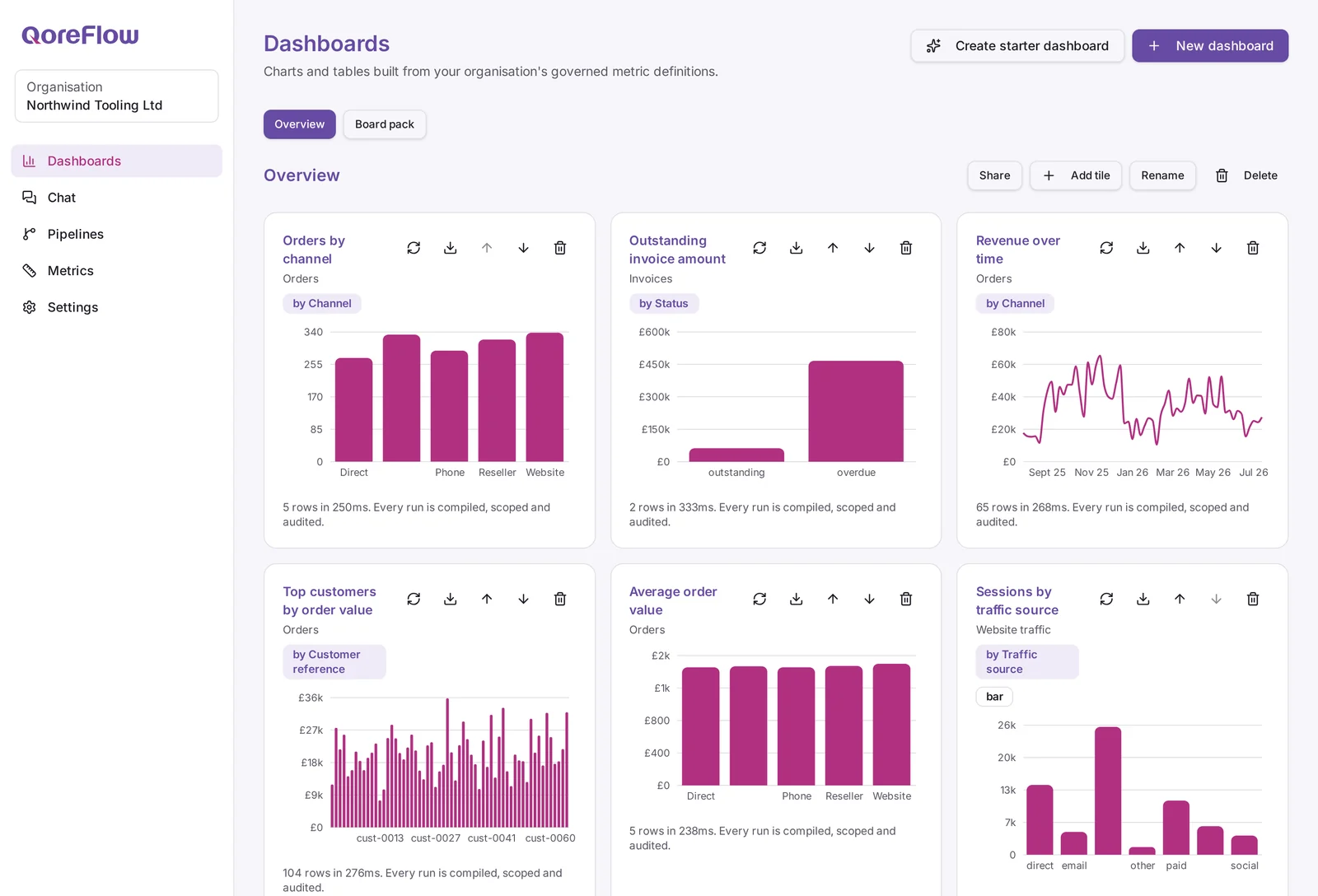
Pipelines in
Connect your tools, then leave them to it
Add a connection for a system you already run, choose a sync or a full backfill, and QoreFlow keeps pulling new records on a schedule. Every run records its row counts and where it reached, so you can see what landed and when.
Accounting, CRM, marketing, commerce, analytics and file sources are all covered, and every card in the catalogue states what it does not bring in as well as what it does.
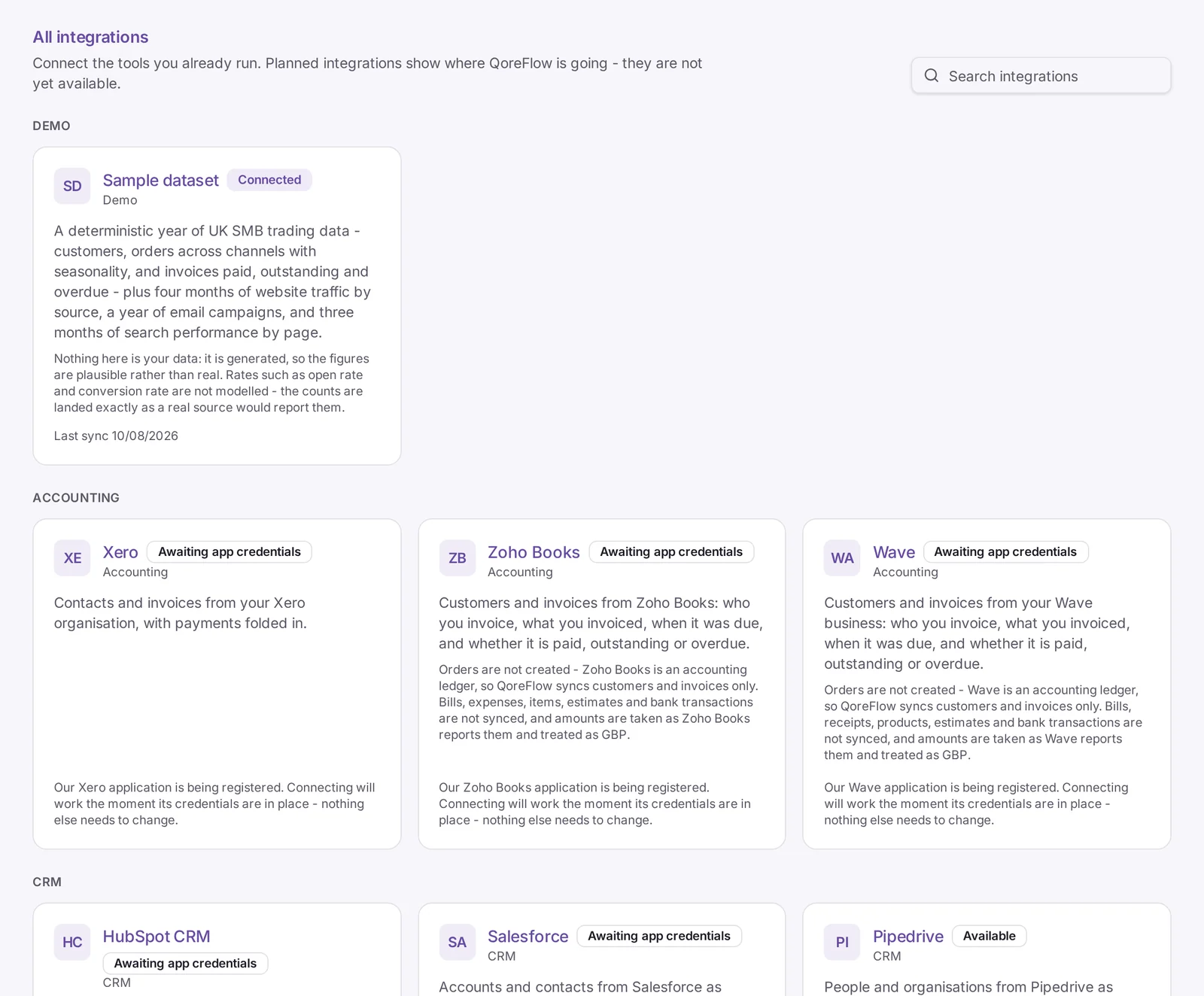
Ask in plain English
Questions in, workings shown
Ask about your own numbers and get an answer with the metric it came from, the rows it read and the figures beside it. The assistant never writes SQL and never reaches past your organisation: it can only run the same governed metrics your team can.
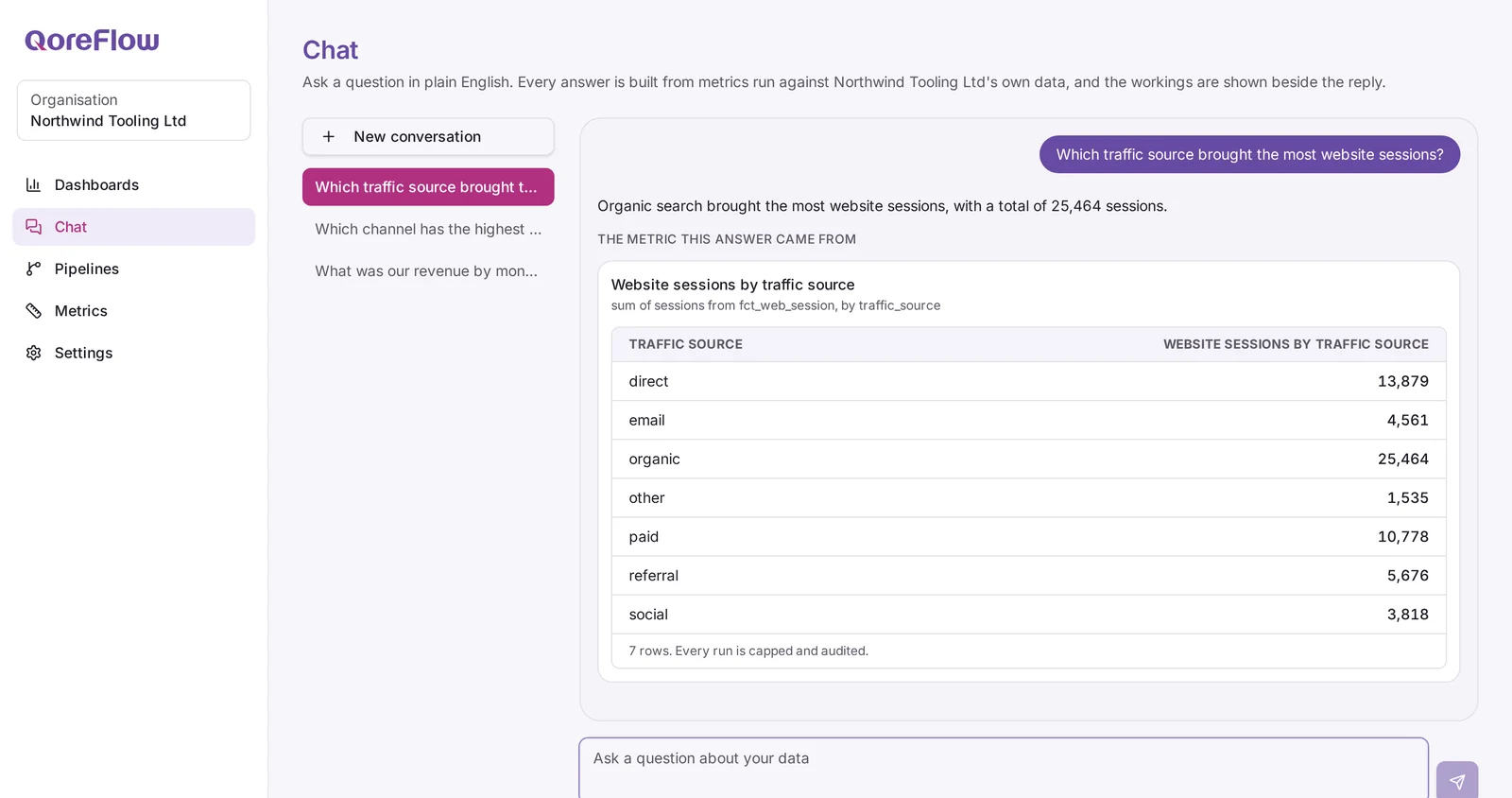
How it works
01
Connect
Add a connection for a tool you already use. You authorise your own account, and we hold the credentials encrypted.
02
Sync
The first run backfills, then incremental runs pick up only what changed and land it against your organisation.
03
See
Define the metrics that matter, put them on a dashboard, and refresh or export whenever you need to.
Built for separation, from the first table
Every row of your data carries your organisation, and row-level security in the database restricts each request to the organisations you belong to. Metric queries are assembled on our servers from structured definitions and always constrained to your organisation, so there is no place in the product where anyone writes raw SQL. Credentials for the tools you connect are encrypted with AES-256-GCM before they are stored, and never reach the browser.
Read the privacy notice for how we handle data and who processes it on our behalf.
Start with sample data, then connect the real thing
Create your organisation, load a sample dataset and see the whole path work before you connect anything of your own.